
Davie County Court Docket Searches
Start at the North Carolina eCourts Portal. Its Smart Search tool returns public Davie County case information, including the Register of Actions or Case Summary, public documents, hearings, judgments, and eligible payments. Know the case number? Enter it. If not, search a party name in last-name, first-name form and narrow the results with Davie as the location. The free public search needs no account.
One caution: a Register of Actions is a chronological summary, not a certified record. Match your identifiers, open the underlined case number, and read the public result. When online answers look unclear, older, restricted, or missing, the clerk's counter and public terminal still work as solid Davie County court docket channels.
- Open Portal Smart Search and enter a record number or a party name.
- Use Location to narrow a broad search to Davie County when needed.
- Apply a case type, status, or filing-date filter only after a basic search.
- Open the matching case number and read the available Case Summary sections.
- Use Search Hearings for a current setting, then confirm an important date with the clerk.
Davie eCourts Records After 2025
Davie County joined eCourts on October 13, 2025. It was among the last counties in the statewide rollout. Since then, every county uses Enterprise Justice, the Odyssey case-management system, according to the Judicial Branch. Portal is now the statewide public path for viewing and searching Davie County court docket material that qualifies. The clerk still keeps the official files and issues certified copies.
The eCourts program page explains the Enterprise Justice system. Because the design is statewide, Davie searches run through Portal rather than a separate county database. That page shows how the system is organized.
Going live changed access. It does not mean every historic record or document is publicly visible online.
The October 2025 Judicial Branch announcement lists Davie among the final 13 counties to begin eCourts use. That release shows the rollout timeline in full.
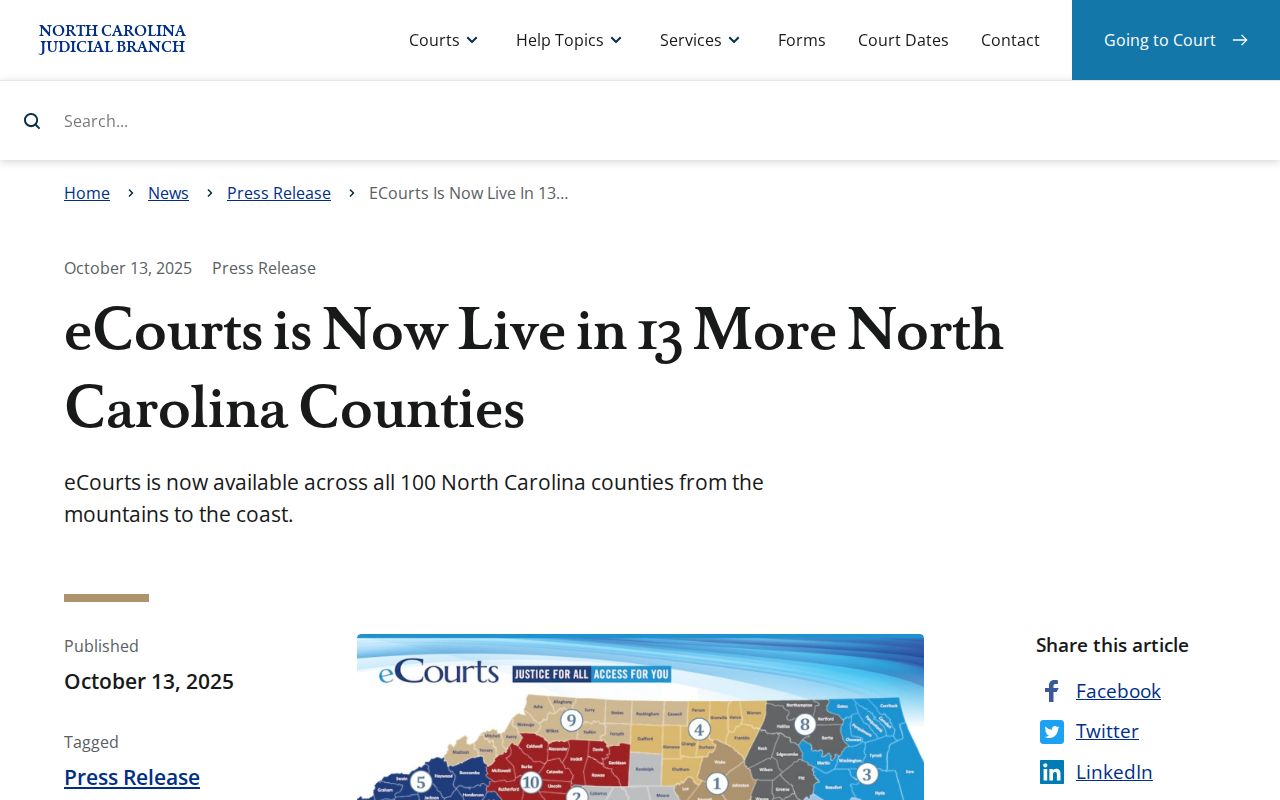
The date matters for another reason. It separates the current Portal workflow from older references to prior statewide lookup systems.
Court Dockets: What They Show
Portal labels the Davie County court docket view a Case Summary or Register of Actions. The menu can cover case information, assignments, public party information, case events, and dispositions. It can also include hearings and financial information. Causes of action appear for applicable civil and related cases. A section shows up only when information exists for that public case type. Remember what a docket event means. It records that court activity occurred. It does not promise a complete document image or a certified copy.
| Case number | A current Enterprise Justice identifier or an older converted case label. |
|---|---|
| Parties | Public party information where allowed; public searches do not return victims. |
| Case events | The dated chronological activity recorded in the Register of Actions. |
| Hearings | Settings shown when hearing information exists for the case. |
| Disposition | A recorded resolution or status that should be read with the event history. |
| Financial information | Information displayed when applicable, rather than a promise that every case has it. |
Public results hide the month and day of birth as xx/xx. Sealed and confidential data stays sealed, no matter how a user registers or filters.
Four-Part Davie Case Numbers
A current North Carolina case number has four parts. They are a two-digit filing year, case-type letters, a six-digit sequence, and a three-digit county identifier after a hyphen. The official guide's sample, 21CR000007-910, shows the generic format only. It is not a Davie case. Typing a full real number usually beats a broad name search for precision.
Older Davie County court docket entries were converted into Enterprise Justice. A civil result may still carry a legacy label such as CVD, CVM, or CVS. Historical one-letter labels also survive. That signals an older record format. It is not a different clerk or a separate local court.
- Register of Actions
- Portal's chronological public summary of case activity.
- Case event
- A dated docketed action, such as a filing, order, setting, or other court step.
- Disposition
- A recorded resolution or status that needs the surrounding case history for context.
Davie County Courts and Their Dockets
Davie County sits in District 33 alongside Davidson County. Locally, though, everything converges at the Davie County Courthouse in Mocksville. The Davie County Clerk of Superior Court keeps records across the trial divisions. The clerk also covers magistrate matters. Pick the Davie location and the case type. There is no freestanding county court title to hunt for.
| Court | Docket covers | Where to search |
|---|---|---|
| Superior Court, District 33 | Felonies, civil actions above $25,000, appeals, and major civil trial calendars. | Portal or the Davie Clerk. |
| District Court, District 33 | Misdemeanors, infractions, ordinance cases, family matters, and civil cases at or below $25,000. | Portal or the Davie Clerk. |
| Magistrates | Small claims up to $10,000, summary ejectment, limited civil matters, and defined initial criminal functions. | Portal or the Davie Clerk. |
The Judicial Branch court-structure overview lays out the statewide hierarchy behind those Davie County court docket paths.
Check the chart first. It helps you find the right court level before asking the clerk for a case file.
One Mocksville Courthouse, Several Paths
One courthouse anchors it all. The Mocksville building serves as the physical fallback for Davie County court docket questions. Courts operate within the larger District 33 structure. The Davie County Judicial Branch landing page gathers court dates, local rules, payment information, and clerk services in one place. When a matter outgrows a public Portal result, start there. That page connects each service directly.
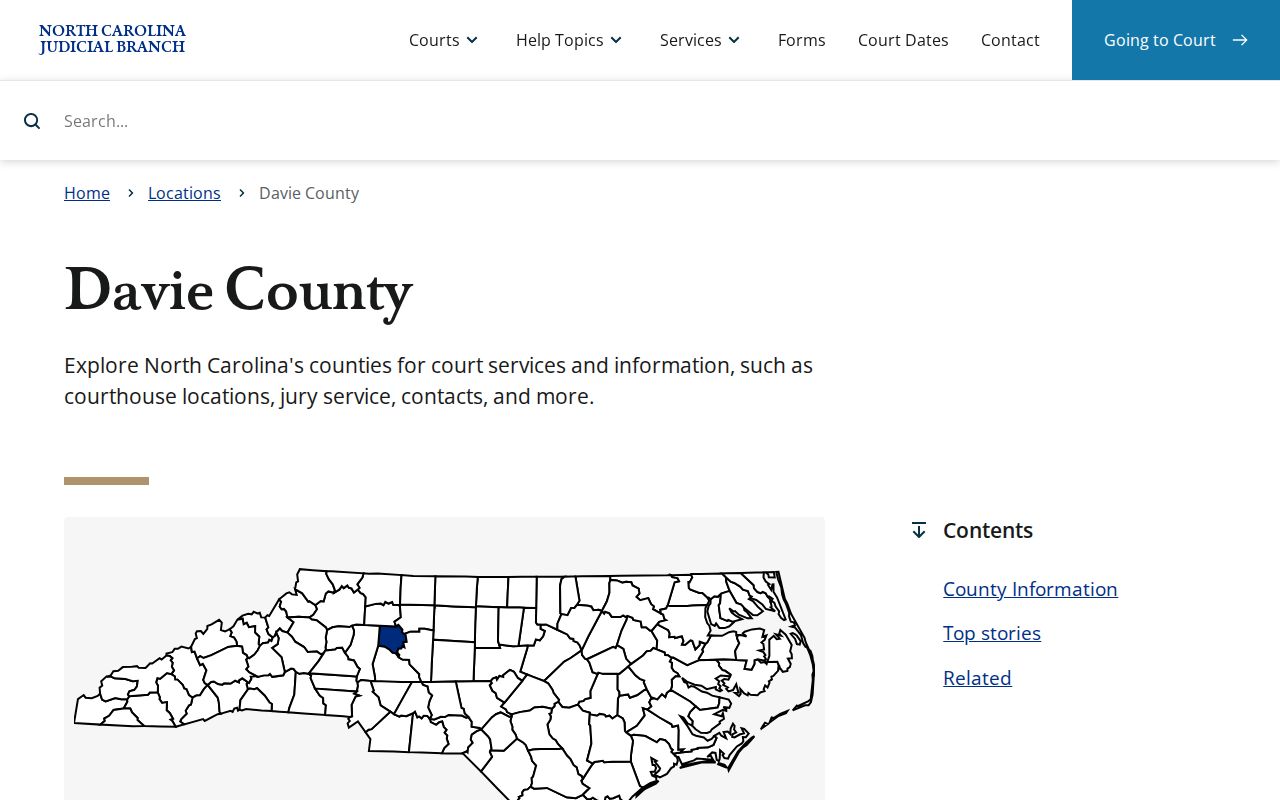
Its county services links make one thing plain: civil, criminal, estate, calendar, and payment questions all run through a single state court and clerk system. Municipal offices in Mocksville, Bermuda Run, and Cooleemee keep their own town administrative records. Those town halls are not court-file counters, even for matters that began within town limits.
Court Dates and Settings in Davie County
A Davie County court docket can display a hearing when the information exists. For current dates, use three tools. They are Portal's Search Hearings, the case's Case Summary, and clerk confirmation. Search Hearings works from a location, hearing type, search type, and date range. You can query by case number. Party, business, attorney, judicial officer, or courtroom also works. Portal will not tell you whether a result is virtual or in person.
Davie also posts separate official civil calendars and criminal calendars. Treat them as helpful views. A new notice, a continuance, a closure, or the clerk's latest word can shift any setting. The Davie County court schedule details the date-search channels.
Davie County Hearing Search Fields
Search Hearings answers a simple question: when and where does a Davie County hearing sit? Pick the county. Choose the hearing type. Pick a search method, and set a date-from and date-to window. Those four steps carry most of the work. When you already hold a case number, a narrow search on it is often the cleanest path. Searching by party, lawyer, judicial officer, or courtroom works better when that is the detail you actually have.
One caution on reading the results. A calendar line sets the time and place. A courtroom may still call its matters in a different order than the list suggests. Before a near-term appearance, lay the docket entry beside the notice you received. Call the right Davie clerk desk about any detail that matters to you.
Davie Portal Viewing and Filing
Portal handles the public side of case lookup, and nothing more. Filing is a separate job. It is done through North Carolina eCourts File & Serve, the authorized filing application. The split trips up some Davie County court docket readers. They find a public record and then assume they can submit a document from the same screen. A Portal account opens no filing route. Registering mainly adds conveniences such as saved My Cases, and it does not unlock sealed material.
The official eCourts File & Serve landing page names the filing application plainly. Keep it distinct from the Portal case-search screen. Only one of them accepts filings.
Docket Access Under North Carolina Law
North Carolina law opens clerk-maintained records to public inspection unless another law closes them. That principle has a practical effect. It is why a Davie County court docket can be read online or at the clerk's counter. It has limits, though. Some cases, documents, and personal details stay nonpublic by law. Portal is also not the official record. For an official copy of anything, the clerk is the proper source.
Key rules:
G.S. 7A-109 requires clerks to maintain court records, dockets, and indexes that are publicly inspectable unless access is prohibited.
G.S. 132-6 covers reasonable-time inspection and copies of public records on payment of lawful fees.
G.S. 1-72.1 provides a procedure to assert access to a civil judicial proceeding or record when access is disputed.
G.S. 7B-300 makes juvenile records confidential except for statutory or court-authorized access.
Davie County Portal Access Limits
Portal shows only what is public. Sealed and confidential cases, data, and documents stay hidden even from a registered public user. Juvenile records carry strong protection. The official guidance also flags other protected categories: unreturned warrants, certain protective-order material, certain domestic-violence records, some name-change filings, and involuntary-commitment cases.
A blank result screen tells you less than it seems. It can mean a typo, a timing lag, a legacy label, no record at all, or a restricted category. It never proves any particular outcome. Older events add one more quirk. Anything that predates the eCourts conversion may display a 12:00 AM timestamp. That reflects the system, not the actual time of the hearing or filing. When access questions arise, contact the Davie Clerk. Do not try to work around a restriction yourself.
Note: a public Portal result is useful case navigation. The clerk remains the official keeper of the Davie County court docket and file.
How the Davie Clerk Keeps Docket Records
One office holds nearly every Davie court record. The Davie County Clerk of Superior Court keeps the unified local record for Superior Court, District Court, and magistrate matters, spanning civil, criminal, estate, special-proceeding, judgment, and traffic files. Sandie Chappell is listed by the Judicial Branch as the current clerk. When the online docket leaves a gap, the clerk's office is the right Davie County court docket fallback. It offers public terminals, paper files, and official copies. Staff can answer case-specific questions.
Davie County Clerk of Superior Court
140 S. Main St.
Mocksville, NC 27028
(336) 936-3000
The clerk runs separate phone desks. The criminal desk is (336) 936-3002, civil is (336) 936-3003, and estates is (336) 936-3004. Public hours run weekdays from 8:30 a.m. to 5 p.m. Check the courthouse page before visiting. It carries the current operational details for the Davie County Courthouse.
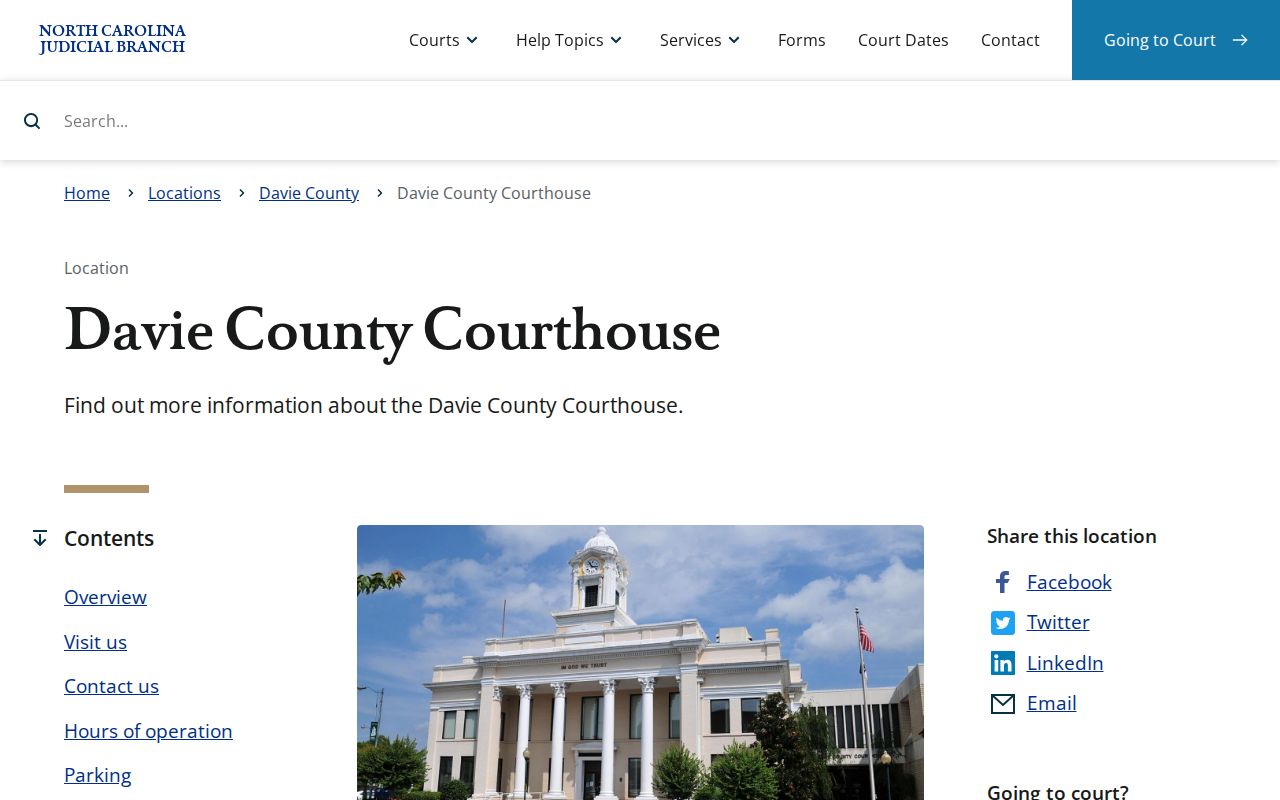
The courthouse gathers clerk, cashier, civil, criminal, estate, and magistrate contacts under one roof. That makes it the local in-person route whenever online access falls short.
Davie Records, Documents, and Copies
A docket search confuses three things. They are a Portal screen, a filed document, and a certified copy. Each serves a different purpose. The Register of Actions is the public summary of a case. Underneath it sit the filed pleadings, orders, and judgments, which may be available when public. A certified copy is different again, because the clerk authenticates it. The Judicial Branch records guidance points to the clerk office for paper files, copies, and the public self-service terminals. That office handles those records directly.
| Clerk service | 2026 statewide charge |
|---|---|
| First copied page of each document | $2.00 |
| Each additional page or fraction | $0.25 |
| Certificate under seal | $3.00 |
| Exemplification of records | $10.00 |
Those copy and certification charges are statewide figures. They are not a promised Davie turnaround time, nor a guarantee that every item can be mailed. Ask the clerk before submitting any request.
Davie County Court Data Workbooks
The Judicial Branch publishes county-level activity workbooks. These cover criminal, infraction, civil, small-claims, estate, and special-proceeding matters. Each workbook breaks out filings, dispositions, and pending matters by case type. For Davie County court docket research, they are a reliable map. They show how the system sorts its cases. What they will not do is support a current numeric claim on their own. That requires the current workbook row and its reporting period. No static county total belongs here. The Judicial Branch data and statistics page links the current workbooks. It also names the official county-report source.
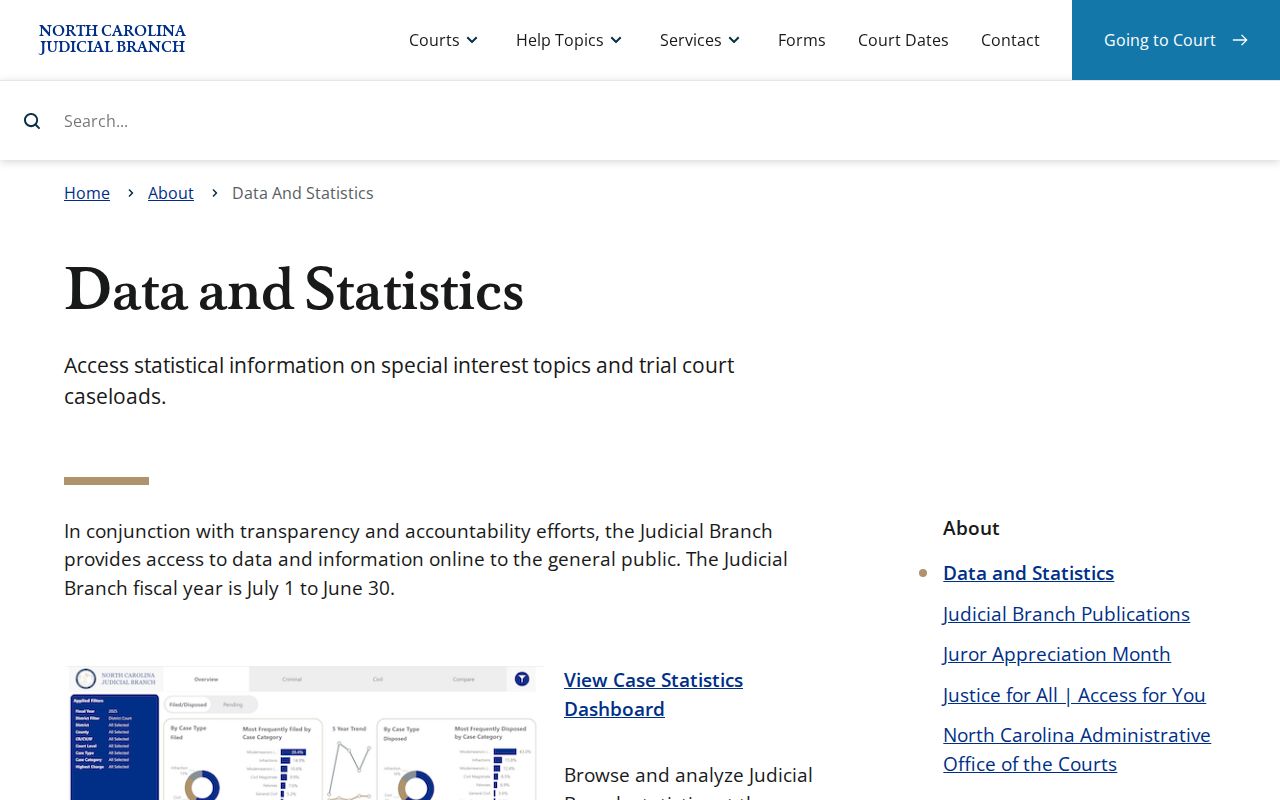
Treat the workbooks as a way to identify the right court and case category. Guessing a trend from an unverified number is the wrong use for them.
Davie State and Federal Dockets
Davie County state cases live in two places: Portal and the Davie Clerk. Federal cases are a different world. The U.S. District Court for the Middle District of North Carolina maintains federal civil and criminal dockets in CM/ECF. That system is reached through PACER. Nothing about a Davie traffic ticket belongs there. The same goes for a small claim, District Court matter, Superior Court case, or estate. Federal bankruptcy runs through its own court and case-information channels as well. The Middle District CM/ECF information page marks out that separate federal docket environment.
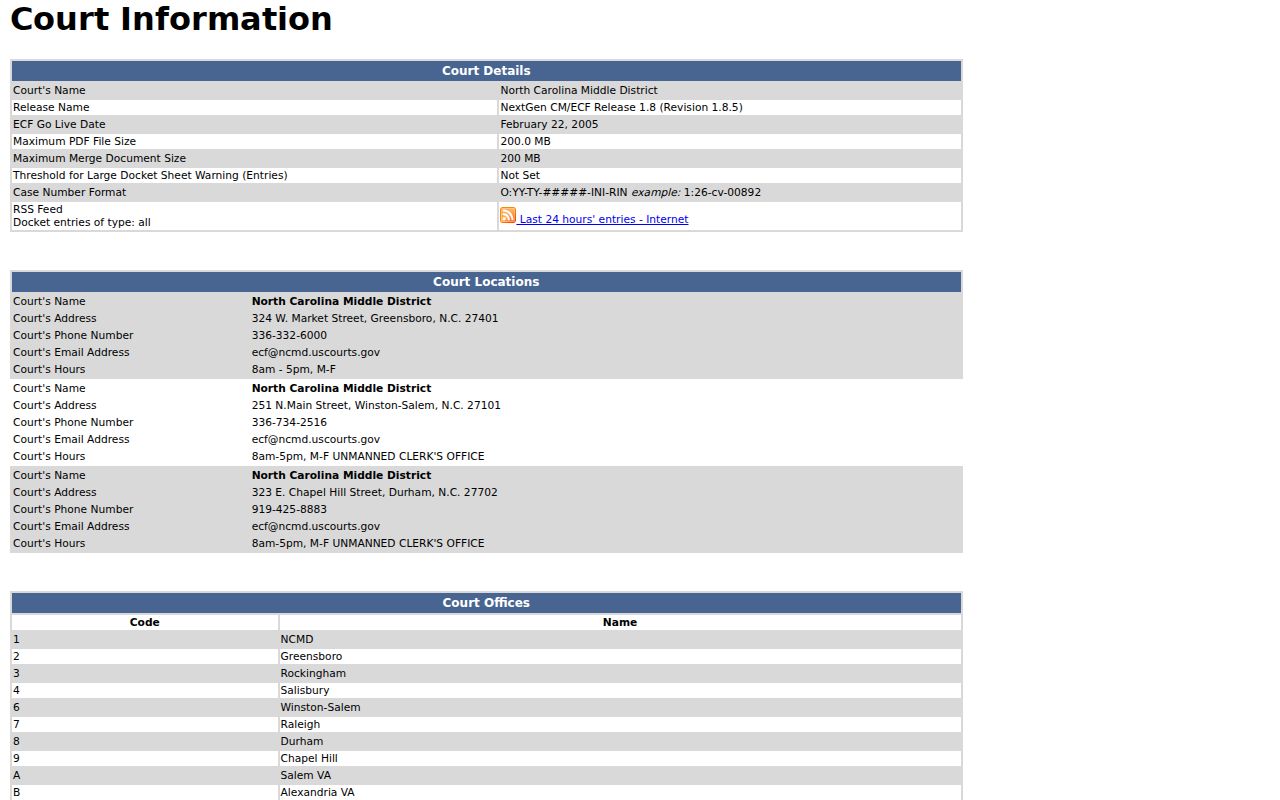
Federal systems are a separate jurisdictional path, not an alternate Davie County court docket search. PACER requires a federal account and charges federal usage fees. The free public Portal view for eligible Davie state records works differently.
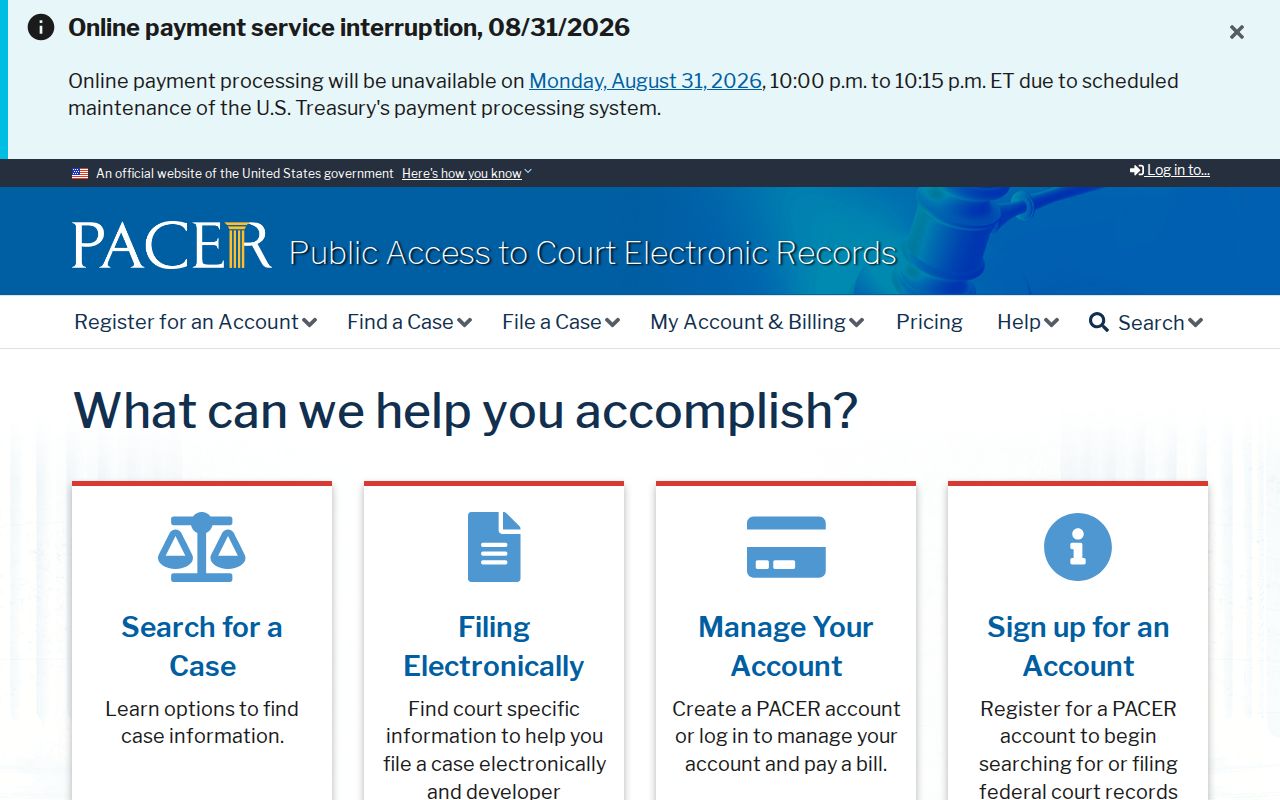
That divide keeps state and federal court research on their proper tracks. The PACER pricing explanation lays out the federal fee structure and the quarterly waiver rules.
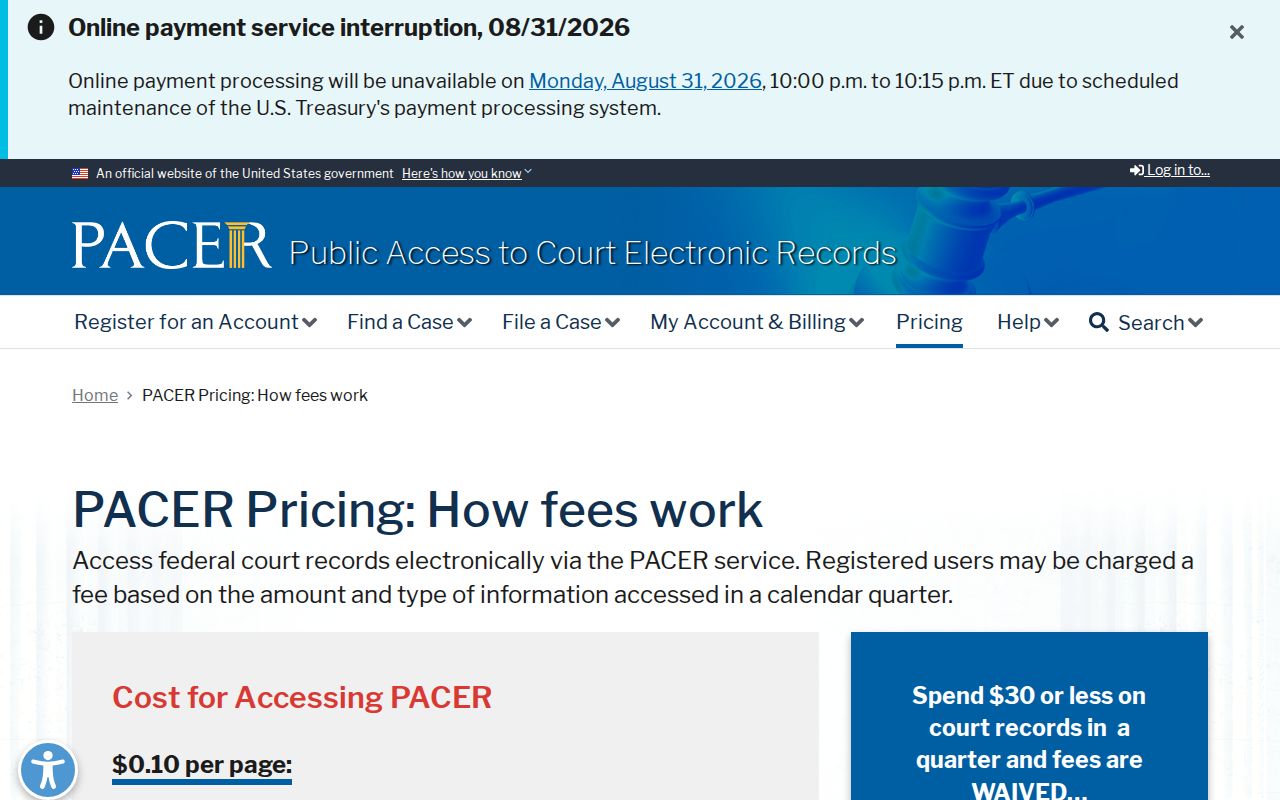
Federal fees shift over time. Anyone using PACER for a Davie County docket at the federal level should confirm the current charge before counting on it. For bankruptcy, the Middle District Bankruptcy Court case-information page spells out that access route in detail.
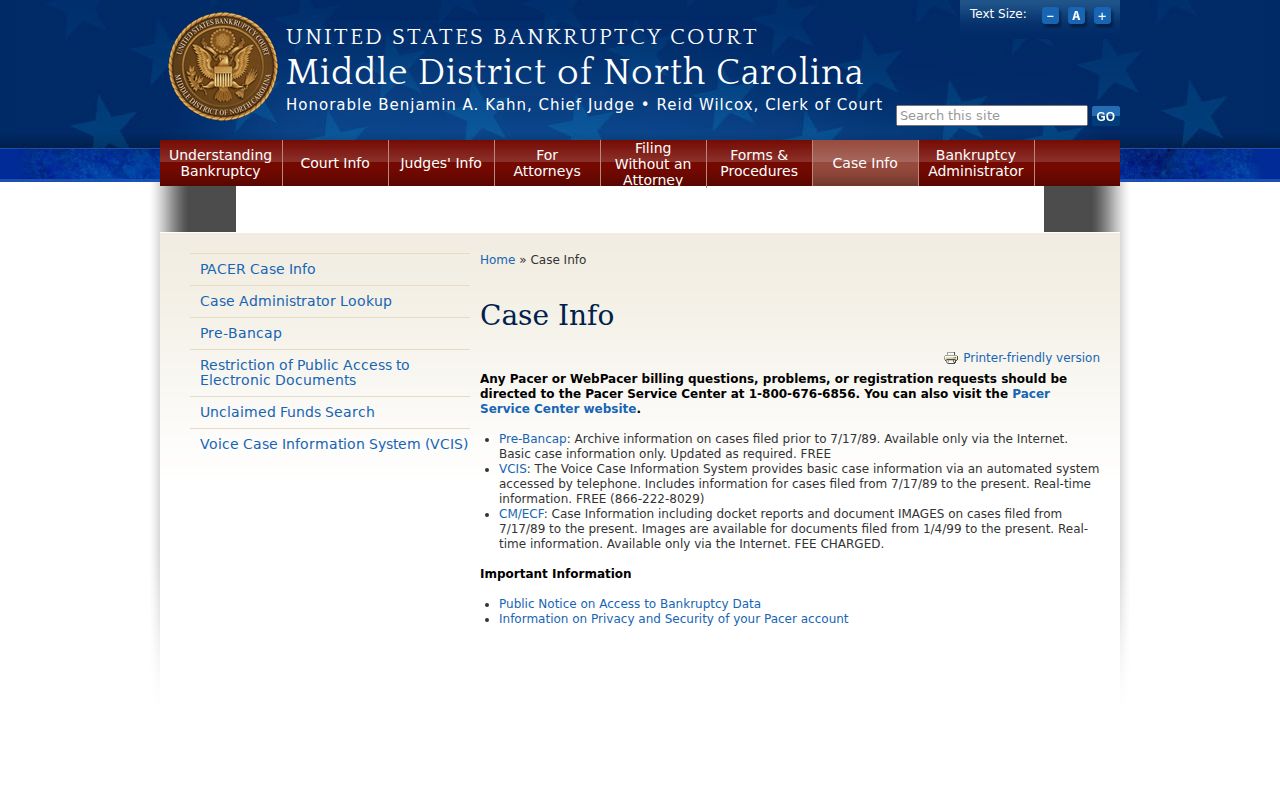
Bankruptcy records sit apart from the Davie Clerk's system. State court cases in the county still run through the Clerk.
City-by-City Court Dockets in Davie County
Davie County has three incorporated towns: Mocksville, Bermuda Run, and Cooleemee. None runs its own municipal court. No town docket portal exists. A traffic ticket, ordinance issue, or criminal or civil matter from any of these towns goes through the North Carolina trial courts and the Davie Clerk of Superior Court. That is where the court docket lives. The city records pages, in turn, keep town-government record requests separate from state court case files.
Mocksville Court Records
2020 population 5,900 · County seat and courthouse location, with state court records held by the Davie Clerk.
Bermuda Run Court Records
2020 population 3,120 · Town government records and Davie state court files use different custodians.
Cooleemee Court Records
2020 population 940 · Court matters use Portal and the Davie Clerk, not a local docket database.
Map and Directions to the Davie County Courthouse
Davie's single Clerk of Superior Court keeps every Superior Court, District Court, estate, and small-claims file at the Davie County Courthouse in Mocksville. The building groups the criminal desk, civil desk, estates desk, cashier's office, and magistrate contact under one roof. Estate matters require an appointment through the clerk's office rather than a walk-in visit.
Davie County Courthouse
140 South Main Street
Mocksville, NC 27028
(336) 936-3000
Monday through Friday, 8:30 a.m. to 5:00 p.m.
Street parking in front of the courthouse is published by the Judicial Branch. For a specific desk, call ahead: criminal (336) 936-3002, civil (336) 936-3003, or estates (336) 936-3004 to schedule the required appointment.