
How the Davie County Court Calendar Works
Three official channels carry Davie County settings. Portal puts a hearing section inside each Case Summary or Register of Actions. It also offers a standalone Search Hearings tool. And it publishes county-filtered civil and criminal calendar pages. Each one answers a different question. The case view ties a setting to its case activity. Search Hearings narrows a date range. The calendars drop Davie County settings into the civil or criminal publishing stream where they belong.
Treat any calendar as a planning aid rather than a final order. The Judicial Branch warns that court dates may change. Judges can run their call in a different order than the calendar suggests. If an online entry conflicts with a court notice or the Davie County Clerk of Superior Court, the notice and the clerk win. A calendar also will not tell you whether a hearing is remote or in person.
The Davie civil calendar is one of those official channels. It shows county civil settings straight from the publishing stream.
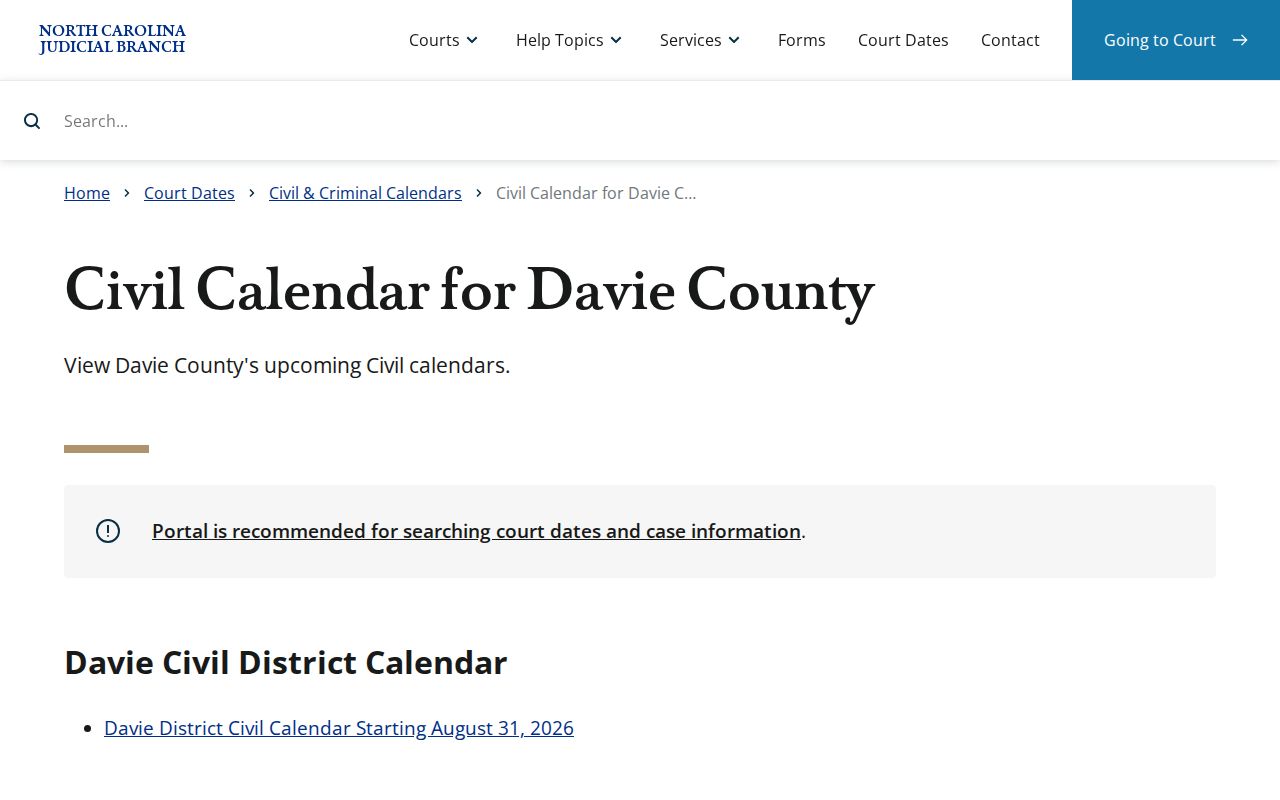
Its county filter works well for civil cases. For a single case, though, the case record remains the better place to check the setting against the full history.
Davie Court Hearing Search Dates
Search Hearings is the direct date-range tool inside the North Carolina eCourts Portal. Set Davie as the Location. Pick a Hearing Type, choose a Search Type, and fill in Date From and Date To. Search-type options include Case Number and Party Name. They also include Business Name, Attorney Name or Bar Number, Judicial Officer, and Courtroom. For a party search, use the last-name, first-name convention.
Those fields narrow results; they do not vouch for every detail. A tight date range plus a matching case number cuts the guesswork. When a hearing result points to a case, open the Case Summary. Then compare the hearing with the public case events. That two-step check beats trusting a loose name match every time.
Search Hearings shows current court information. It still will not say whether a Davie County appearance is virtual or in person.
Davie County Court Date Lookups
A solid confirmation chain runs from a hearing search to the Case Summary, then to the right Davie clerk desk if needed. That order keeps a public search result distinct from the office that can answer a case-specific question. It also keeps civil and criminal calendar searches apart, rather than assuming one calendar holds every Davie County setting.
- Open the North Carolina eCourts Portal and use Search Hearings with Davie, a hearing type, a search type, and a date range.
- Open the matching Case Summary to compare the hearing with the public Register of Actions and case number.
- Check the official Davie criminal calendar or the civil calendar when the case type calls for it.
- If the online tools are incomplete, call or visit the Davie Clerk of Superior Court, using the criminal, civil, or estates desk that fits the case.
The statewide court-dates service connects the hearing-search and county-calendar paths. A mailed notice or clerk confirmation still matters when a setting has moved or the information is unclear.
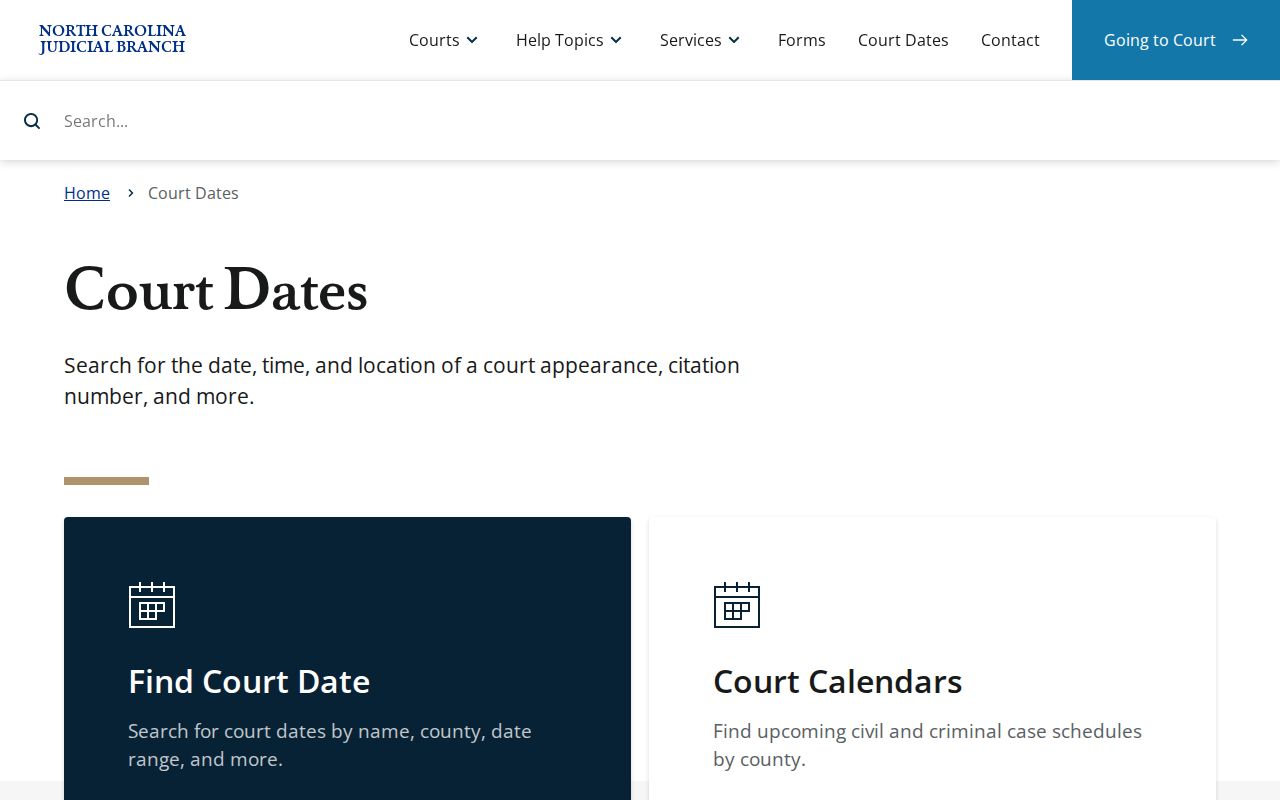
The court-dates page shows why a date search and a county calendar complement each other rather than substitute for one another.
Davie Civil and Criminal Calendars
Davie County publishes civil and criminal calendars separately. Use the civil page for civil settings. Use the criminal page for criminal or infraction matters. The split matters. A searcher can land on a calendar that is current. But it may have nothing to do with the case at hand. The county-filtered calendars give a public view. Portal hearing search can be narrowed by party, case, attorney, judicial officer, or courtroom.
The criminal calendar page is the right companion for criminal matters. Calendar status can shift close to a session. The case summary, the notice, and the clerk remain the practical confirmation chain.
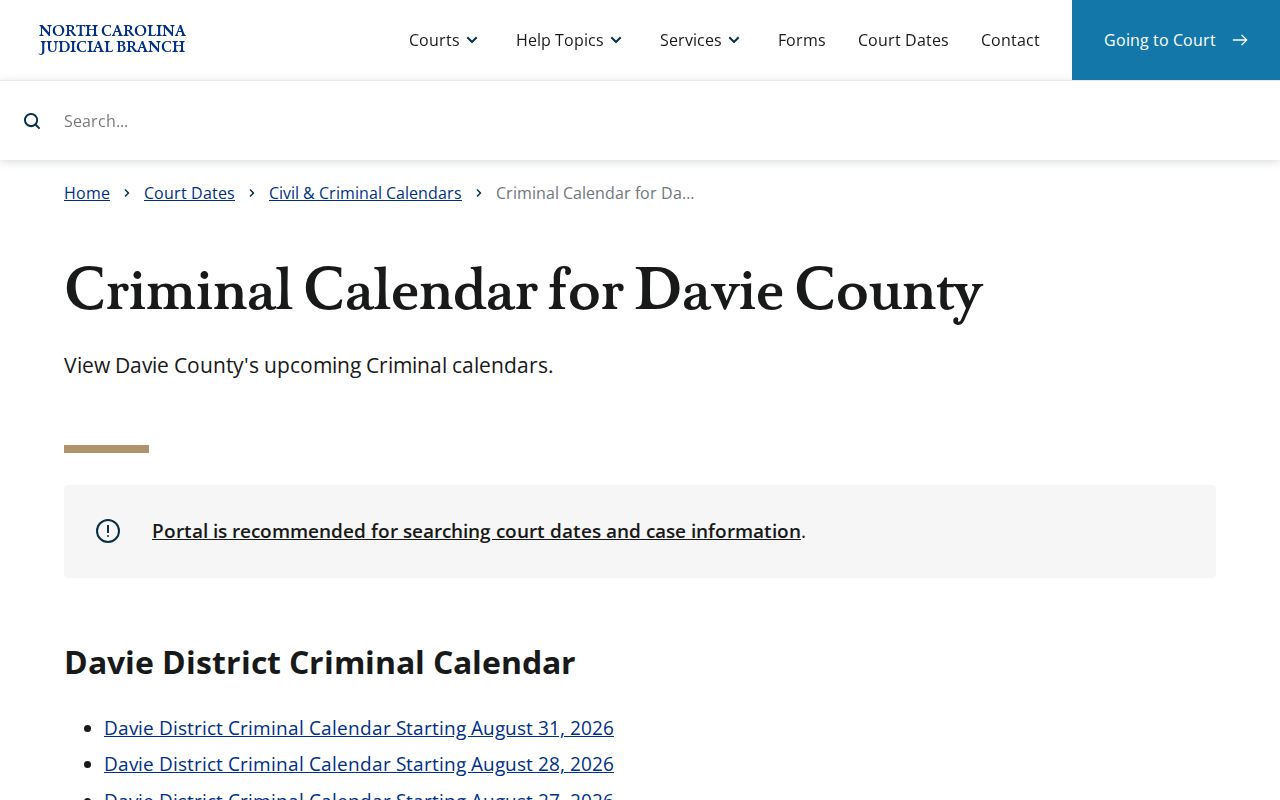
The separate criminal interface makes the same point from the other side. Match a Davie County court schedule to the case type before you rely on it.
Court Settings: What Each Field Means
A displayed setting is a scheduled court event, not the final outcome of the case. Read Portal and calendar fields with care. A field may be missing, and a court may organize its call differently. Treat the items below as things to verify. No Davie County result is a promise that each one is supplied.
| Date | The calendar date assigned to the setting; compare it with the case notice if there is a conflict. |
|---|---|
| Time | The displayed time for the setting or court call; it does not establish a fixed order of cases. |
| Courtroom | A searchable courtroom parameter where shown; confirm the location with the clerk if it is missing or changed. |
| Judge | A judicial-officer parameter or shown assignment where available, not a guarantee of who will preside. |
| Setting type | The selected hearing type or case event that identifies why the matter is scheduled. |
For the underlying case history, the Docket Search page walks through the Portal search path a Davie County reader can use.
Davie Final Civil Calendar Priority
Final civil calendars in Davie and Davidson Superior Court follow a local ordering. The oldest cases come first, behind only the peremptory and statutory priorities. A case placed on a final calendar will actually be tried that session. That holds unless a consent order or a dismissal resolves it first. That is a firmer signal than a tentative plan. Still, watch the case notices and any clerk instructions. Settings can shift even at this stage.
What if the case does not get reached? The party or counsel picks a new date. The deadline is five business days after the session ends. Fail to do that. The Trial Court Coordinator then puts the case on the next final trial calendar. A settlement after final placement should be reported within 24 hours. The Davie local rules and forms page is where these materials officially live.
One caution on that page. It links to the District Court Continuance Policy. The linked material still bears the old District 22 label. Davie now sits in District 33. So the clerk remains the sound source for the current local process.
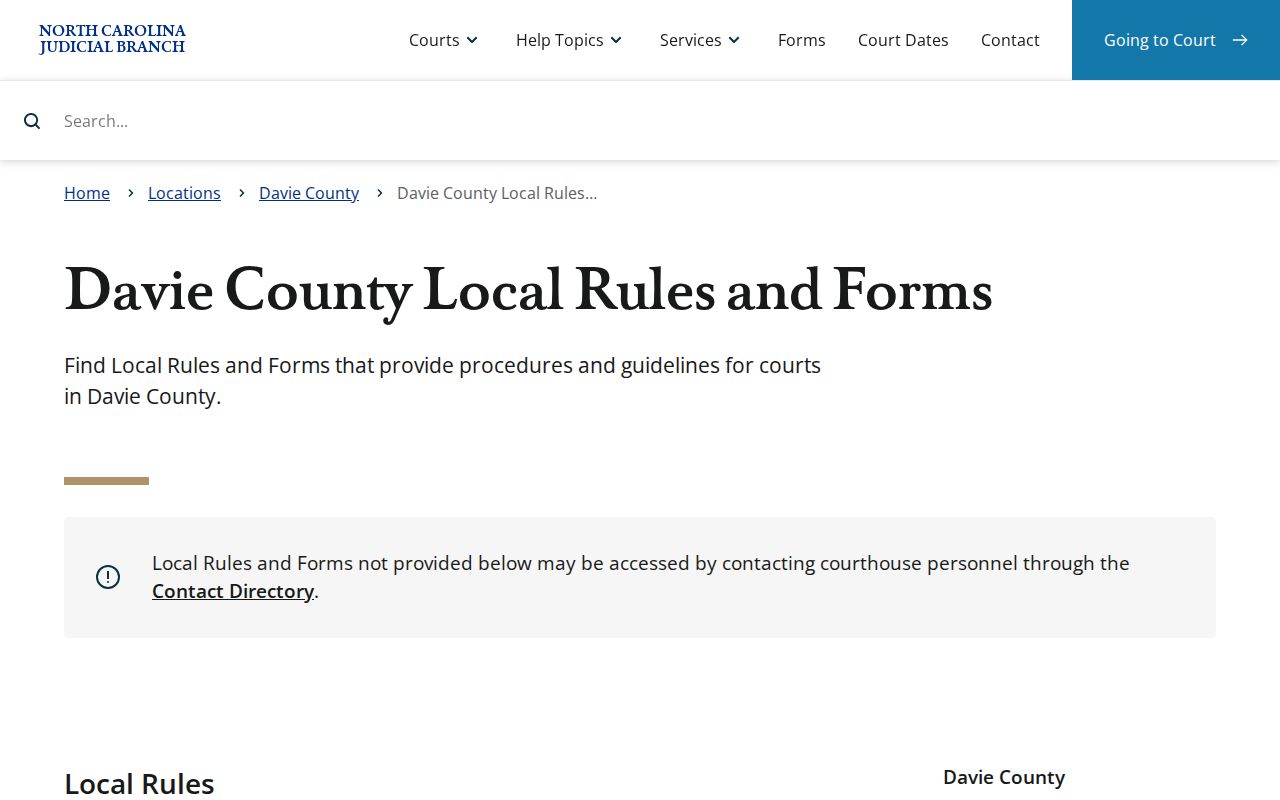
The rules page ties the published Davie County court schedule to final civil calendar procedure.
When a Court Date Moves
A Davie County court date can move for many reasons. A continuance, a reset, a cancellation, or a closure all change the calendar. Civil final-calendar rules spell out how an untried case returns to a later calendar. The District Court policy should be confirmed through the clerk. Its source carries an earlier district label. Do not assume a vanished setting means the case ended. A moved case may need a new date, fresh calendar placement, or clerk follow-up.
Snow and ice raise a separate issue. The Judicial Branch says notices for rescheduled settings are generally mailed after an inclement-weather closure. Keep your address on file current. Check the court-date tools as the event nears. If an online change conflicts with a mailed notice, ask the right Davie clerk desk. Ask which setting controls.
Note: A current calendar entry can change. The court notice or clerk confirmation beats an older online display.
Davie Online Hearing Link Limits
A Portal hearing result has real limits. It will not say whether a Davie County setting is virtual or in person. Nor does it give a universal call order. These gaps do not mean the hearing lacks instructions. They mean the search result should be read with the case notice. You can also lean on an attorney if one is involved, or the right clerk desk.
Never guess a meeting link from the date, courtroom, or judicial officer. A case can carry its own directions. Calling practices differ from one judge or court to the next. Confirm the format instead of inventing one.
Missed Settings and What Comes Next
Missed a Davie County setting? Call the proper clerk right away. Then check the case record for the next listed event. The clerk can route you to the criminal, civil, or estates line. Staff there can explain the local path for a case-specific question. Do not count on the calendar refreshing itself with a new date. A missed setting calls for direct follow-up.
Missed a setting? Call the Davie Clerk of Superior Court or the relevant division promptly because the court, not an online calendar, controls the next step.
Use the case number when available and ask whether a notice, new setting, or other action has been entered.
Davie Clerk Court Calendar Fallback
A calendar tool only goes so far. It may not clear up a conflict, a missing case, a changed setting, or an older record. Then the Davie County clerk is the fallback. The main office number is (336) 936-3000. The criminal desk is (336) 936-3002. The civil desk is (336) 936-3003, and the estates desk is (336) 936-3004. Those local channels beat guessing from a partial public result every time.
Prefer to ask in person? The clerk sits in the Davie County Courthouse, 140 S Main Street, Mocksville, NC 27028. Public hours run Monday through Friday, 8:30 a.m. to 5:00 p.m. Call first when the question involves a restricted, older, or unclear case.